The four steps
- Send your total by Zelle® to A.M. Kidd Holding Inc. at aliciakidd@coconoirwine.com.
- Put your item number(s) in the Zelle memo, for example: Items #12, #34, #78.
- Email aliciakidd@coconoirwine.com right after you pay with your item numbers, your name as it appears on the payment, your phone number, and your preferred pickup time.
- Items are reserved only after we have both the payment and that email.
Option 1 · Scan the QR code from inside your banking app
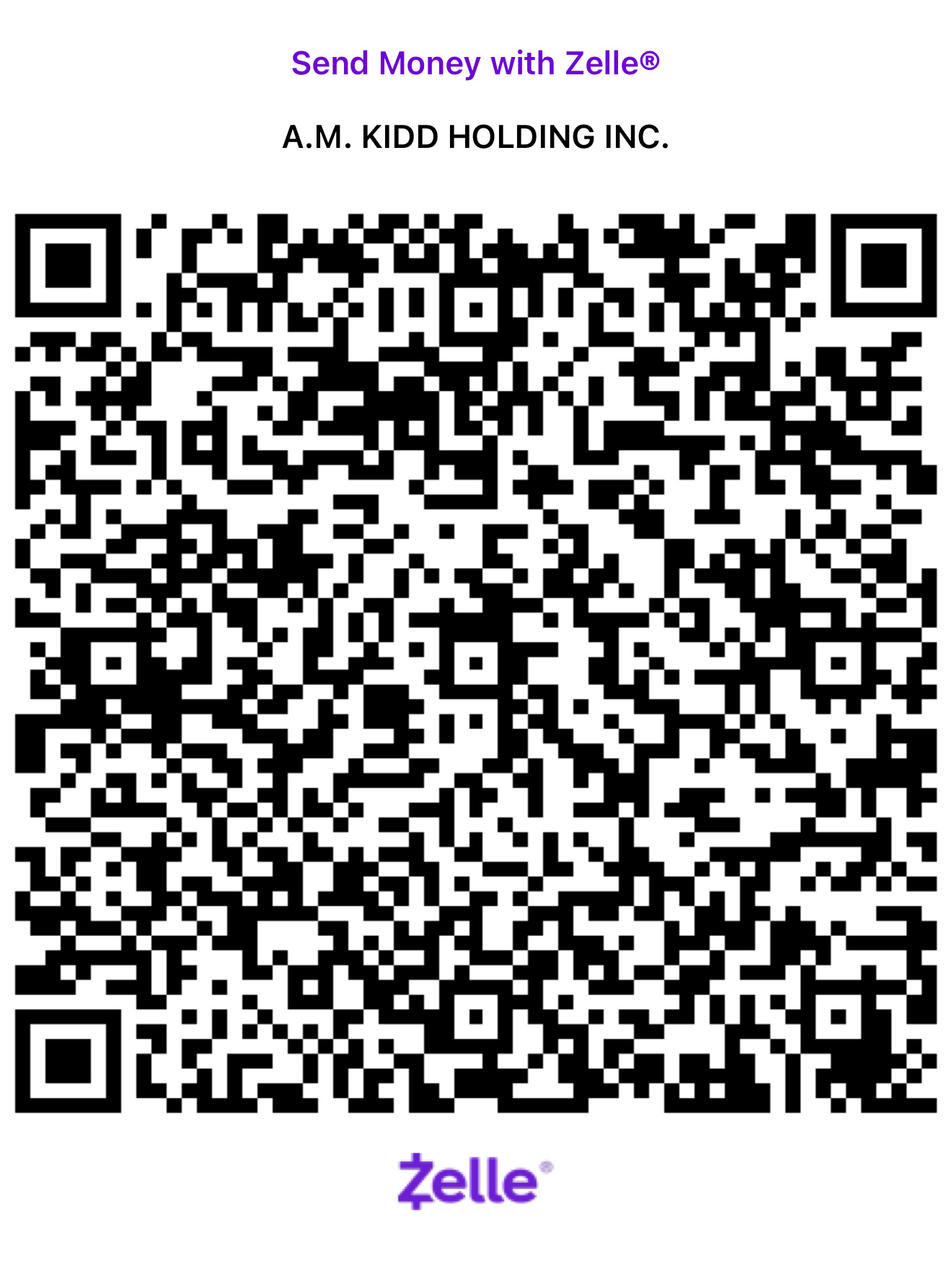
- Open your own bank app (Chase, Bank of America, Wells Fargo, Navy Federal, etc.).
- Tap Send Money with Zelle®.
- Tap Scan a QR code, then scan the code above.
- The recipient fills in as A.M. Kidd Holding Inc.. Enter your total, type your item numbers in the memo, and send.
Important: scan from inside your bank app. Your phone’s regular camera does not know which bank you use, so it will ask you to find and select your bank first.
Option 2 · Enter the details manually (no QR code)
In your bank app, go to Send Money with Zelle® → Add a new recipient. If your bank asks whether this is a person or a business, choose business.
Recipient / business name
A.M. Kidd Holding Inc.
Zelle email
Your bank should show A.M. Kidd Holding Inc. before you send. Zelle payments are instant and cannot be reversed, so please check the email address carefully.
Final August pickup & viewing hours
Monday, August 24Not Open
Tuesday, August 25Not Open
Wednesday, August 2612:00 PM – 5:00 PM
Thursday, August 2711:00 AM – 5:00 PM
Friday, August 28Not Open
Saturday, August 2912:30 PM – 5:30 PM
Sunday, August 30 · Final Day12:00 PM – 5:00 PM
360 13th Street, Oakland, CA 94612. Call or text 510-295-4838. Sold as-is, all sales final, pickup only.